Simposys guide
Master Merydion Simposys.
Keep the conversation flowing — messages, channels, calls and files, all in one place.
Messaging
Simposys
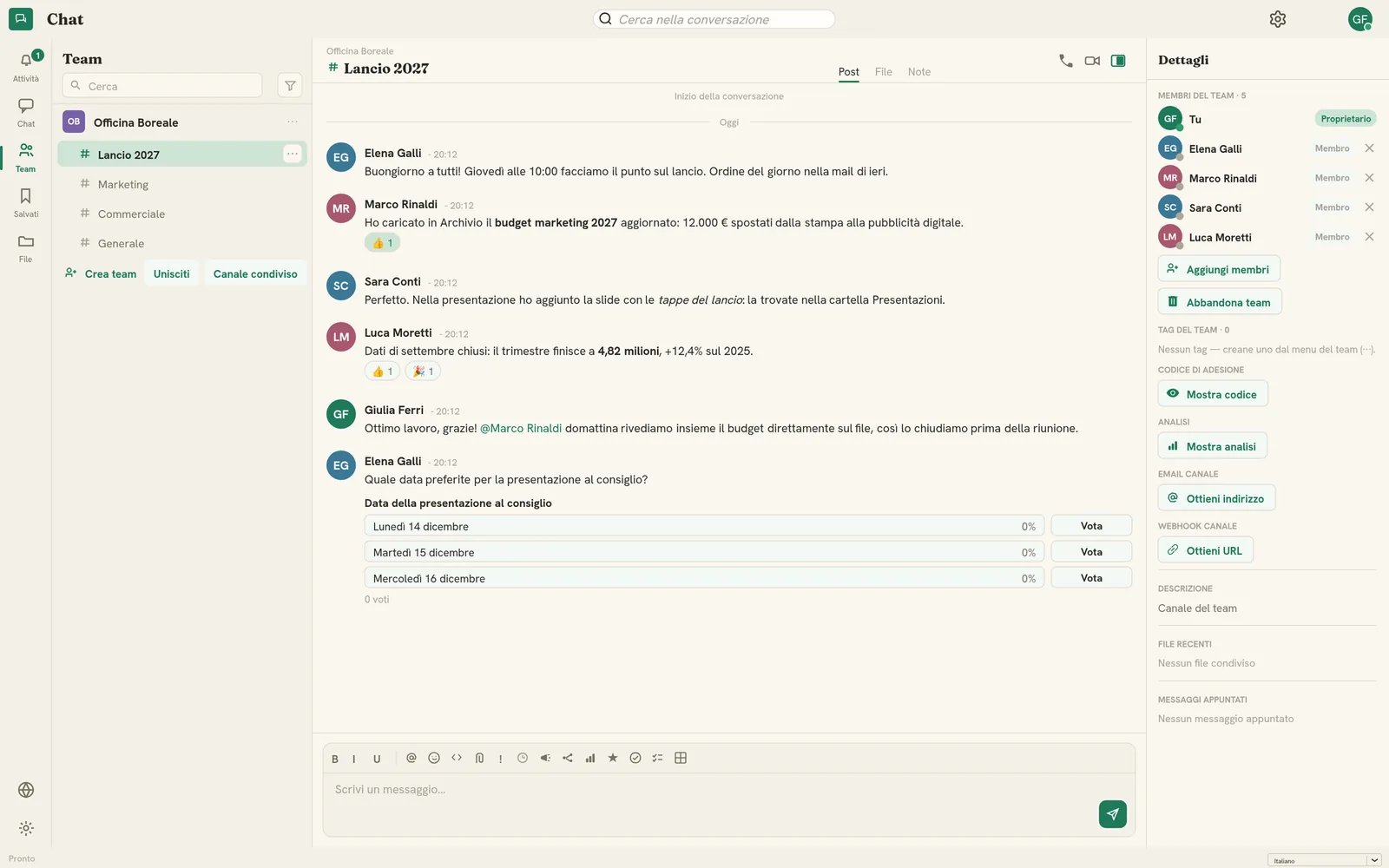
Simposys keeps conversations between you and your team — direct messages, group chats, team channels and calls. This guide walks through everything from your first message to group calls.
Sign-in required
In this guide
What you'll learn.
Getting started
Find your way around Simposys, start conversations and make the app your own.
Open the guide 2Messaging
Write and format messages, mention and react, reply, edit, schedule and record voice clips.
Open the guide 3Channels & teams
Create teams and channels, organise and moderate them, and connect them to email, webhooks and other organizations.
Open the guide 4Files & sharing
Attach files, keep each conversation's files on Aerarys, open documents in the editors and write notes.
Open the guide 5Polls, lists & live components
Run polls, recognise colleagues, request approvals, tick off shared checklists and fill in live tables together.
Open the guide 6Calls & meetings
Start voice or video calls with one person or a whole group, and share your screen.
Open the guide 7Translate & read
Translate any message into your language and read distraction-free with Immersive Reader.
Open the guide 8Activity & notifications
Catch up on what's waiting for you and decide when Simposys may interrupt you.
Open the guide 9Search & history
Find a message in a conversation, a chat or channel by name, or anything across your messages, files and mail.
Open the guide 10Privacy & security
How you sign in, where your messages live, the privacy choices in your hands, and the Simposys log your administrators read.
Open the guideProductivity, made in Italy.
Bring the whole suite to your team — simple, secure and entirely yours.